.png)

.svg)
.svg)
.svg)
You send a LinkedIn request, watch it sit for days, and then see “Ignored” in your pending list. That small silence decides whether a conversation begins or ends before it starts.
A LinkedIn connection request message is scanned in seconds. In that brief moment, the wording signals relevance, intent, and whether you deserve attention. There is no second chance in that first line.
Below are 40 specific examples designed for real situations, recruiters, founders, peers, alumni, and follow-ups. Each one shows how tone and context shift based on your goal, so your message feels intentional, not random.
40 Best LinkedIn Connection Request Examples For Different Goals

Different goals require different connection request messages. A job seeker, recruiter, or professional networker should not approach LinkedIn outreach the same way.
This section introduces goal-based LinkedIn connection request examples, showing how intent, tone, and context shift depending on who you are connecting with and why the connection matters.
1. Connection Requests For Job Seekers Reaching Out To Recruiters
These messages are used to introduce yourself professionally to recruiters without asking for a job upfront. The goal is visibility, relevance, and future consideration, not an immediate outcome. A clear role focus and respectful tone matter more than detailed background.
Example messages
2. Professional Messages For Industry Networking
Industry networking messages aim to build peer-level connections based on shared domains or interests. They work best when the intent is learning, staying informed, or exchanging perspectives rather than requesting help or favors.
Example messages
3. Outreach Messages For Sales And Business Conversations
These messages open a professional relationship without pitching in the first interaction. The focus stays on relevance and context, allowing trust to form before any business discussion moves forward.
Example messages
4. Connection Notes For Alumni And Referral Requests
Alumni and referral messages rely on shared history or affiliation. The purpose is to acknowledge common ground and open a respectful channel, not to immediately request introductions or recommendations, which can be examples of bad emails.
Example messages
5. Messages For Professionals Exploring Career Transitions
These messages are used when someone is moving into a new role, function, or industry. The intent is learning from experience and observing career paths, not seeking validation or guarantees.
Example messages
6. First Time Connection Messages For General Networking
General networking messages apply when no strong shared context exists. They should remain neutral, polite, and low-pressure, serving as a simple professional introduction.
Example messages
7. Connection Messages After Viewing Someone’s Profile
These messages acknowledge profile viewing as the trigger for outreach. They work when curiosity is genuine and the reason for connecting is clearly stated without appearing intrusive.
Example messages
8. Follow Up Connection Messages After No Response
Follow-up messages are used when a previous request received no reply. The goal is to reintroduce intent gently, without urgency or pressure, and allow the recipient an easy decision.
Example messages
These examples show how intent shapes tone and structure across different goals. Once that pattern becomes clear, the next step is learning how to write your own connection request message with the same clarity and consistency, regardless of the situation.
Quick Comparison: Which LinkedIn Connection Message Fits Your Goal
These examples show how intent shapes tone and structure across different goals. Once that pattern becomes clear, the next step is learning how to write your own connection request message with the same clarity and consistency, regardless of the situation.
7 Steps To Write Your Own Effective LinkedIn Connection Request Message
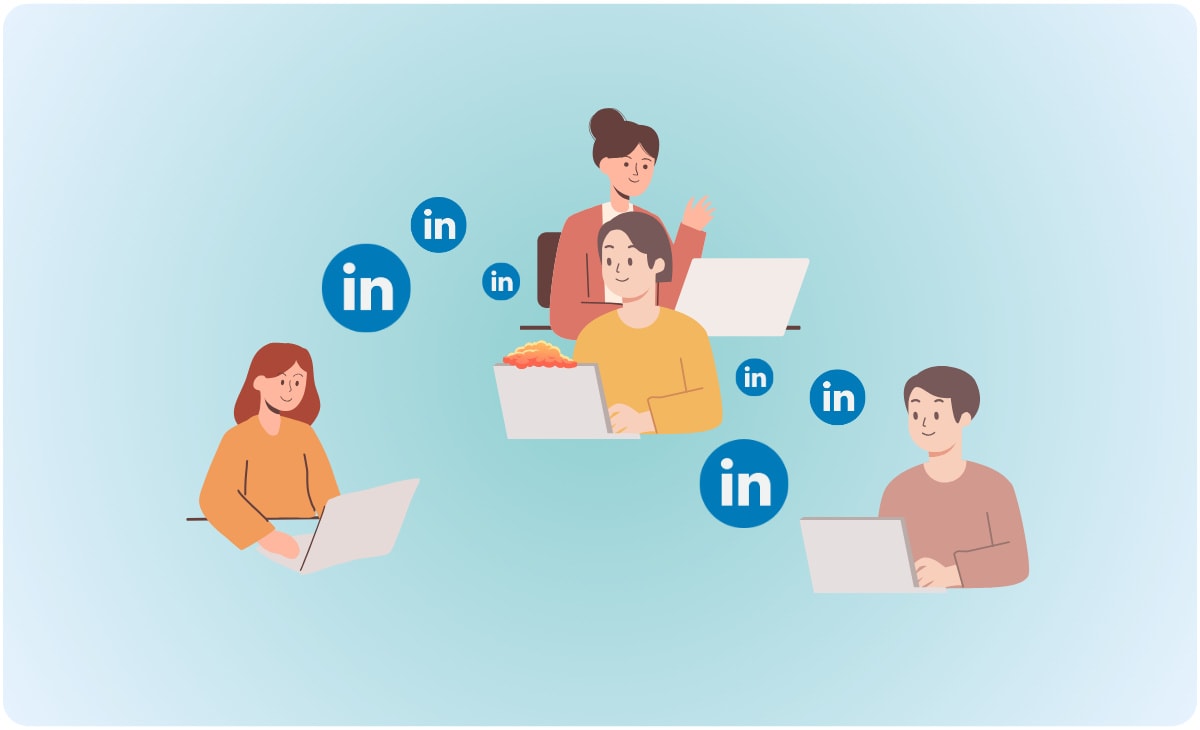
Writing an effective LinkedIn connection request follows a repeatable process. These steps focus on clarity, personalization, and relevance rather than templates alone.
This section breaks down how to write your own message by understanding intent, reviewing profiles, and framing a short, natural introduction that improves acceptance without sounding sales-focused.
1. Clarify Why You Want To Connect
Start with a single reason that can be said in one sentence. This keeps the message focused and prevents vague outreach.
- Choose one intent, learn, collaborate, explore roles, or stay connected.
- Decide what you want the reader to understand in the first read.
2. Review The Recipient’s LinkedIn Profile
A quick scan gives you the one detail that makes your message feel chosen, not broadcast.
- Look for role, company, recent post, or shared domain.
- Pick one relevant point that fits your reason to connect.
3. Personalize The Opening Line
The first line should show context immediately. It is not about flattery, it is about relevance.
- Reference a post, role, transition, or shared interest.
- Keep it specific and short.
4. Keep The Message Short And Relevant
LinkedIn connection requests are read fast. Short messages reduce effort for the reader and can enhance networking email subject line performance.
- Stay within two to three short sentences.
- Remove background that belongs on your profile.
5. State Your Intent Clearly Without Selling
Intent creates comfort. Selling creates resistance. Your aim is a clean professional connection.
- Use direct language, “I’d like to connect to follow your insights on X.”
- Avoid early asks, calls, referrals, or links.
6. End With A Simple, Low-Pressure Close
A calm ending makes acceptance easy. It should feel optional, not urgent.
- Use a light close, “Would be glad to connect here.”
- Avoid lines that demand a reply.
7. Proofread Before You Send. For more on growing your business through recommendations, read these guidelines for writing professional service offer emails.
Small errors change perception quickly. Clean writing signals care and professionalism.
- Check name spelling and role details.
- Remove extra words, then read it once aloud.
Example using the steps in one message
Hi Aditi, I saw your post on content audits for SaaS. I work in SEO and would like to connect and follow your insights.
Next, we will look at the most common mistakes people make in LinkedIn connection requests, and the small fixes that prevent good intent from coming across poorly.
At Alore, these steps reflect how professionals write messages that get accepted
How To Measure and Improve Your LinkedIn Connection Reply Rate
Most LinkedIn outreach fails quietly because it is never measured. If you cannot see your acceptance and reply patterns, you cannot improve them.
This section breaks down what to track, how to interpret it, and how to optimize your LinkedIn connection reply rate with clear adjustments.
1. Measure the Right Metrics First
Tracking starts with clarity. You need numbers that connect effort to outcome.
Core metrics to track weekly
- Requests sent
- Requests accepted
- Acceptance rate: Accepted divided by sent
- Replies received after acceptance
- Reply rate: Replies divided by accepted
- Average time to first reply
2. Track Simply, But Consistently
Complex systems create confusion. A structured sheet creates clarity.
Basic tracking format
- Date
- Audience type, recruiter, founder, peer
- Message version label
- Sent
- Accepted
- Replied
Label each version clearly. For example, Recruiter V1 or Founder V2.
Review results every seven days, not daily.
What makes the data reliable:
- Test one change at a time
- Keep the audience constant during each test
- Collect at least 25 to 50 sends before judging performance
This prevents false conclusions.
3. Improve Based on What the Data Shows
Numbers should guide decisions. Each pattern signals a specific fix.
If Acceptance Rate Is Low
Your connection request message lacks contextual relevance.
Refinements that increase acceptance
- Add one clear trigger, a recent post, role change, or shared domain
- State your intent in one clean sentence
- Remove long self-introductions
Example refinement:
Generic:
“Hi, I’d like to connect.”
Context-driven:
“Hi Riya, I saw your post on SaaS pricing pages. I work in SEO and would like to connect.”
The second version shows selection, not broadcasting.
If Acceptance Is Strong but Reply Rate Is Low
Your follow-up message is not giving the reader a reason to respond.
Adjustments that increase replies
- Ask one focused question
- Reference their work again
- Keep it under two short lines
Example follow-up:
“Thanks for connecting, Riya. When you audit pricing pages, do you start with positioning or conversion flow?”
This invites perspective, not obligation.
If Replies Happen but Conversations Stall
Momentum fades when the next step feels unclear.
Ways to sustain engagement
- Respond within 24 hours
- Add one useful insight before asking anything
- Suggest a light next step only when relevance is clear
Conversation builds through contribution, not pressure.
4. Use a Weekly Optimization Cycle
Improvement comes from rhythm, not random effort.
Weekly routine
- Choose two audiences
- Test two message versions per audience
- Send 25 to 50 requests per version
- Keep the winner, rewrite the weaker version
This creates measurable improvement over time.
Avoid:
- Testing too many variations at once
- Changing both message and audience simultaneously
- Copying templates that do not match your goal
5. Understand Healthy Performance Ranges
Benchmarks vary by industry and profile strength, but directional clarity helps.
Strong performance signals
- Acceptance rate between 30 and 50 percent
- Reply rate after acceptance between 15 and 30 percent
If numbers fall below this range, sharpen context in the first line and simplify the follow-up.
When measurement becomes consistent, optimization becomes predictable. The next step is understanding the small mistakes that quietly reduce acceptance, even when intent is strong.
Common Mistakes To Avoid When Sending A LinkedIn Connection Request
Most LinkedIn connection requests fail due to avoidable mistakes. Generic messages, unclear intent, and premature selling reduce trust instantly.
This section outlines the most common errors professionals make when sending connection requests and explains why these mistakes lower acceptance rates, damage credibility, and limit long-term networking potential.
1. Sending A Generic Or Copy Paste Message
A generic message signals that the connection is not intentional. Professionals often treat it like noise.
- Avoid lines that could be sent to anyone.
- Add one real context point, role, post, or shared domain.
2. Making The Message About Yourself Only
A self-focused message forces the reader to find relevance on their own. Most will not.
- Replace long intros with one line of shared context.
- State why you chose them, not what you want to prove.
3. Pitching Or Selling In The First Message
Early pitching changes the relationship instantly. Even a soft pitch creates resistance.
- Keep the first message connection-first.
- Save any business discussion for later, after trust forms.
4. Ignoring The Recipient’s Profile Details
When your message shows no awareness of who they are, it reads as careless.
- Mention one accurate detail that supports your intent.
- Do not guess, and do not use vague compliments.
5. Writing Long Or Overly Formal Messages
Long messages feel like work. Over-formality feels unnatural on LinkedIn.
- Keep it brief, two to three short sentences.
- Use plain professional language, not email-style paragraphs.
6. Sending Requests Without Clear Intent
Unclear intent creates uncertainty, and uncertainty reduces acceptance.
- Say why you want to connect in one sentence.
- Keep the purpose light, learn, follow, exchange, stay connected.
7. Using Poor Grammar Or Spelling
For tips on how to initiate a professional email introduction, explore these seven key steps.
Small errors change how your message is perceived. Clean writing signals care.
- Check name spelling, company, and role details.
- Remove extra words, then read it once aloud.
8. Sending Multiple Requests Without Follow Up
Repeated outreach without a thoughtful follow-up feels transactional. A single follow-up can work when it stays respectful.
- Wait before following up, then keep it gentle.
- Reintroduce context, do not add pressure.
Example that shows the mistake clearly
- Pushy: “Hi, can we schedule a quick call this week?”
- Clean: “Hi Rohan, I saw your work in product analytics. I’d like to connect and follow your insights here.”
Next, we will shift from mistakes to judgment calls, knowing when LinkedIn is enough, and when it makes sense to take the conversation outside the platform.
Beyond LinkedIn: When To Take The Conversation Outside The Platform
Not every professional conversation should stay on LinkedIn. Knowing when to move beyond the platform is part of effective networking.
This section explains the signals that indicate a connection request has served its purpose and when email, referrals, or other channels create better responses, deeper conversations, and more meaningful professional outcomes.
Signals that it is time to move beyond LinkedIn
- The person asks for details that need space, such as a resume, portfolio, or project brief.
- The conversation becomes time-bound, such as interviews, referrals, or coordination.
- You are exchanging documents, links, or information that belongs in structured cold networking emails.
- The relationship is now warm, and a direct channel feels normal.
Where to move next, based on intent
1. Email
Use networking emails when the conversation involves resumes, portfolios, documents, or detailed explanations. It allows structure, attachments, and clarity that LinkedIn messages are not designed for.
2. Calendar link
Share a calendar link only after both sides agree to a conversation. It works best when timing is already discussed and the call has a clear purpose.
3. Referral or introduction
Move through a referral when a mutual contact can add credibility or context. This is effective for hiring discussions, partnerships, or senior-level outreach.
4. Official company channel
Shift to formal channels when the interaction enters hiring workflows, vendor onboarding, or compliance-related steps that require process alignment.
How to make the shift feel professional
- Ask once, and keep it specific, not open-ended.
- Offer the next step, do not demand it.
- Keep the tone calm, and match the level of familiarity.
Example of a smooth transition
“Thanks for connecting, Riya. If it helps, I can share my portfolio over email. Would you be comfortable if I send it to your work address?”
The best time to move beyond LinkedIn is when the connection has already done its job, it has created enough trust for the next step to feel easy.
Next, we will close by tying the full approach together, so your connection request message, examples, and writing steps work as one system.
FAQs
1. What Is The Character Limit For A LinkedIn Connection Request Message?
LinkedIn allows up to 300 characters in a personalized connection note. This limit encourages brevity and makes concise messaging more effective. Strong requests usually stay between 150 and 250 characters.
2. Is It Better To Send A Connection Request With Or Without A Note?
Adding a short note generally improves acceptance when there is context to reference. A note signals intention and reduces ambiguity. When no shared context exists, a neutral but relevant line still performs better than a blank request.
3. How Many LinkedIn Connection Requests Can You Send Per Day?
LinkedIn limits connection activity based on account behavior and history. For most active profiles, sending 20 to 30 well-targeted requests per day keeps activity steady and compliant without triggering restrictions.
4. Does LinkedIn Penalize Ignored Connection Requests?
LinkedIn does not penalize individual ignored requests. However, consistently low acceptance rates can reduce visibility and limit how many new requests you are allowed to send over time.
5. Should You Withdraw Old Pending Connection Requests?
Withdrawing outdated requests can help maintain a clean activity record. If a request has been pending for several months and no context exists anymore, removing it can support healthier connection limits.
Conclusion
Clarity changes how connection requests are received. When intent is visible and the message respects attention, replies follow without pressure.
Use these patterns as a guide, not a script. Adjust for context, stay specific, and treat each connection as the start of a professional exchange that can grow naturally over time.