.jpg)

.svg)
.svg)
.svg)
One bad email send can quietly damage trust you took months to build. Bounce alerts, spam flags, and missed inboxes usually start with one thing, sending to the wrong address.
Top brands avoid this by treating email verification as a safety layer, not a cleanup task. They rely on tools that protect list quality before campaigns ever go live.
This list looks at the email verifier tools brands trust to keep campaigns safer, cleaner, and dependable, focusing on what actually prevents bad sends at scale.
Best Email Verification Tools Work to Verify Email Addresses
Email verification tools use multiple checks to verify email addresses accurately and in real time. A verification tool evaluates catch all domains, time email behavior, and online email signals to reduce errors.
Choosing the right email verification tool matters when bulk email verifier accuracy affects how many email addresses pass safely through validation.
Free Email Verification Tools
Free email verification tools allow you to check email formats, test a free email address, or run a single email through basic validation. These tools help to check email quality using limited checks and are useful when you want to test email data without commitment.
Their role becomes clearer once their limits and practical use cases are understood.
1. Hunter
Hunter focuses on quick verification for individual email checks and light prospecting needs. It is often used alongside contact discovery workflows.
Key features:
- Format and domain checks
- Basic mailbox validation
- Limited free credits
Best for:
Teams verifying small batches or single email addresses during prospect research.
Website: Hunter
2. Clearout

Clearout provides fast verification with a balance between free access and advanced checks. It is designed for users who want more depth without committing immediately.
Key features:
- Real time verification
- Catch all detection
- Disposable email filtering
Best for:
Marketers testing list quality before scaling verification.
Website: Clearout
3. VerifyBee

VerifyBee offers simple verification focused on clarity rather than complexity. It keeps the process easy to understand for non technical users.
Key features:
- Syntax and domain validation
- Risk status classification
- Small free usage allowance
Best for:
Solo users or early stage teams cleaning small lists.
Website: VerifyBee
4. EmailChecker.net
EmailChecker.net is built for quick online checks without setup. It works best when speed matters more than depth.
Key features:
- Instant format and domain checks
- No account required for basic use
- Simple interface
Best for:
One off checks and fast validation needs.
Website: EmailChecker.net
Paid Email Verification Tools
Paid email verification tools are built to handle bulk email verification across large email lists. They verify email addresses in bulk, analyze email addresses to detect risks, and process thousands of email addresses efficiently.
These tools are used when accuracy, scale, and reliability matter most for professional campaigns and long term email list health.
1. Alore.io
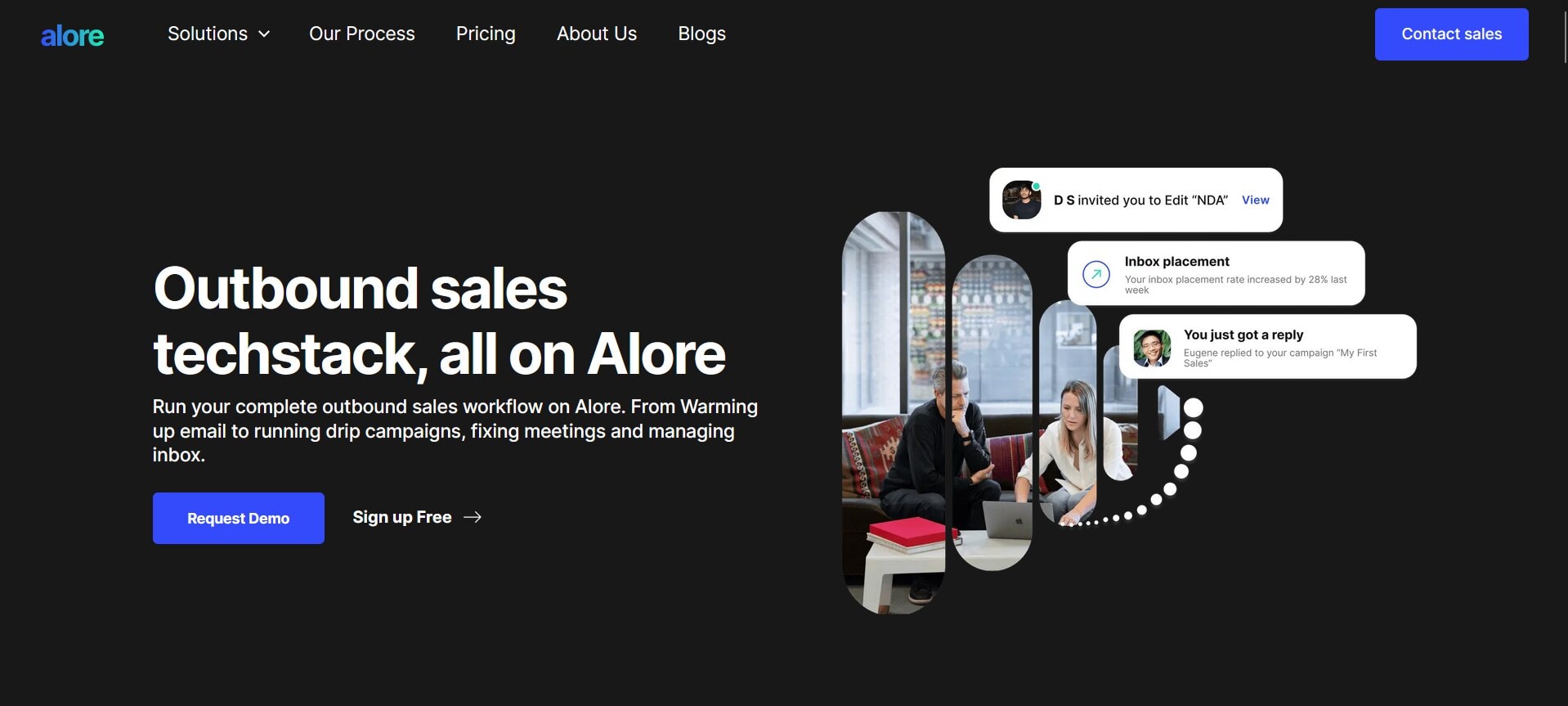
Alore combines email verification with outreach and list workflows. Verification is built into how teams prepare and send campaigns.
Key features:
- Integrated email verification
- Bulk list processing
- Outreach and list management in one system
Best for:
Teams that want verification embedded directly into their sales and email workflows.
Website: Alore
2. ZeroBounce
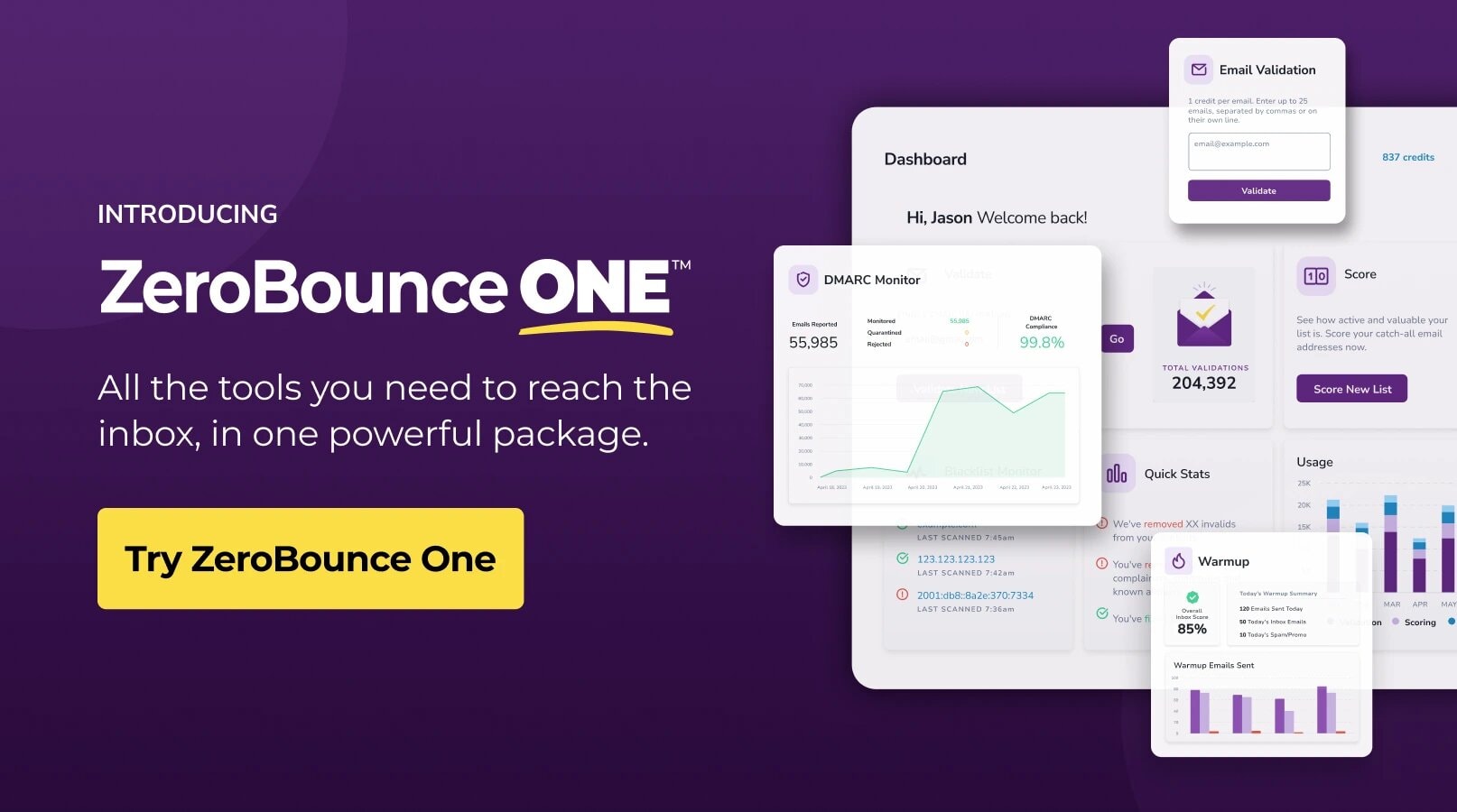
ZeroBounce is known for detailed verification and reporting at scale. It focuses on accuracy across large datasets.
Key features:
- Advanced mailbox validation
- Spam trap and abuse detection
- Detailed status reporting
Best for:
Enterprises running high volume email campaigns.
Website: ZeroBounce
3. NeverBounce
NeverBounce emphasizes speed and reliability for bulk verification. It integrates easily with many email platforms.
Key features:
- Real time and bulk verification
- Catch all handling
- Platform integrations
Best for:
Marketing teams cleaning lists regularly.
Website: NeverBounce
4. BriteVerify

BriteVerify focuses on immediate validation at the point of entry. It is often used where data is collected live.
Key features:
- Real time verification
- API based validation
- Instant feedback
Best for:
Forms, sign ups, and live data capture.
Website: BriteVerify
5. Kickbox

Kickbox combines verification with deliverability awareness. It aims to keep lists clean without over filtering.
Key features:
- Bulk verification
- Deliverability focused scoring
- Clear result categories
Best for:
Teams balancing list size and inbox placement.
Website: Kickbox
6. Emailable
Emailable is designed for flexible verification across different list sizes. It adapts to changing data conditions.
Key features:
- Dynamic verification logic
- Bulk and API access
- Risk based classification
Best for:
Growing teams with varied verification needs.
Website: Emailable
Quick Comparison of the 10 Email Verifier Tools
This comparison shows how each email verifier tool differs in scale, depth, and intended use. Some are built for quick checks, while others support large campaigns and ongoing list health.
The real decision often comes down to whether a free tool is enough or a paid solution better fits your sending needs.
Free Email vs Paid Verification Tool: What Should You Use
Choosing between free email and paid verification tools depends on scale, risk tolerance, and campaign goals. Free tools can be helpful or not depending on usage, while paid tools offer broader benefits for bulk needs.
Understanding when each option can be used helps avoid unnecessary limitations or missed opportunities.
The right choice becomes clearer once you match tool capability to how often you send and how large your lists are, which naturally leads into how teams decide on a single platform that supports both verification and outreach together.
Steps to Choose the Right Email Verifier Tool Based on Your Goals
Choosing the right email verifier tool is less about chasing the longest feature list and more about matching the tool to how you actually send.
A bulk email verifier makes sense when you clean thousands of contacts at once, while real time verification matters when you need to check email at the moment it is collected.
The smarter you match the tool to your workflow, the easier it becomes to verify email addresses consistently without slowing campaigns down.
1. Define What You Are Verifying For
Start with the outcome. Each email verification tool solves a different risk.
- Inbox protection: reduce bounce rates, protect your sender reputation and stabilize email deliverability.
- List accuracy: confirm whether an email address is valid and classify catch all or risky results.
- Speed at scale: process large email lists efficiently without losing accuracy.
- Lead quality control: filter disposable or low-intent entries before outreach.
Example
A newsletter team focuses on lowering bounce rate, while a sales team prioritizes removing risky leads before sending.
2. Match the Tool to Your Sending Volume
Volume determines whether you need light validation or a true bulk email verifier.
- Single or small batch checks: use a tool that can check email quickly for a single email or limited file.
- Recurring cleaning: choose a system built to verify email addresses across growing email lists.
- High-volume campaigns: prioritize bulk verification with consistent accuracy across large files.
Example
Uploading 50,000 contacts monthly requires a verification tool built for sustained bulk processing, not occasional checks.
3. Decide Where Verification Should Happen
Verification works best when placed at the right stage of your workflow.
- Before sending: verify email addresses before campaigns launch to prevent invalid contacts from entering active segments.
- At the point of entry: use real time checks on forms to stop bad data early.
- After imports: run email validation immediately after CRM or event list uploads.
Example
Real time verification at signup keeps weak data out of your email lists, reducing future cleanup work.
4. Set Your Risk Tolerance Level
Results are rarely just valid or invalid. The middle categories shape performance.
- Valid: safe to send, email address is valid based on verification signals.
- Catch all: domain accepts mail, mailbox status uncertain.
- Risky or unknown: potentially deliverable but may increase bounce rates at scale.
- Invalid: remove to reduce bounce rates and prevent high bounce patterns.
Segment campaigns by risk level. High-value sends go to fully verified segments.
5. Evaluate Result Transparency
Two tools may both verify email addresses, yet differ in clarity.
Look for:
- Clear classification labels that explain email validation outcomes.
- Confidence indicators that support better decision making.
- Export-ready status tags so verification data remains attached to each email address.
Clarity reduces guesswork and supports consistent list management.
6. Confirm Workflow and Stack Compatibility
A verification tool should fit your system without friction.
- Ensure export formats align with your email marketing platform.
- Confirm API support if you rely on online email automation.
- Check whether the tool integrates smoothly with outreach or CRM workflows.
Example
If segmentation relies on tags, choose a tool that exports verification status clearly so you can re-import without restructuring.
These steps turn tool selection into a structured decision rather than trial and error. Once your goals and volume are clear, the next practical question becomes straightforward, should you begin with free email verification tools or invest in paid solutions built for scale.
Why Most Teams Choose Alore for Email Verification and Outreach
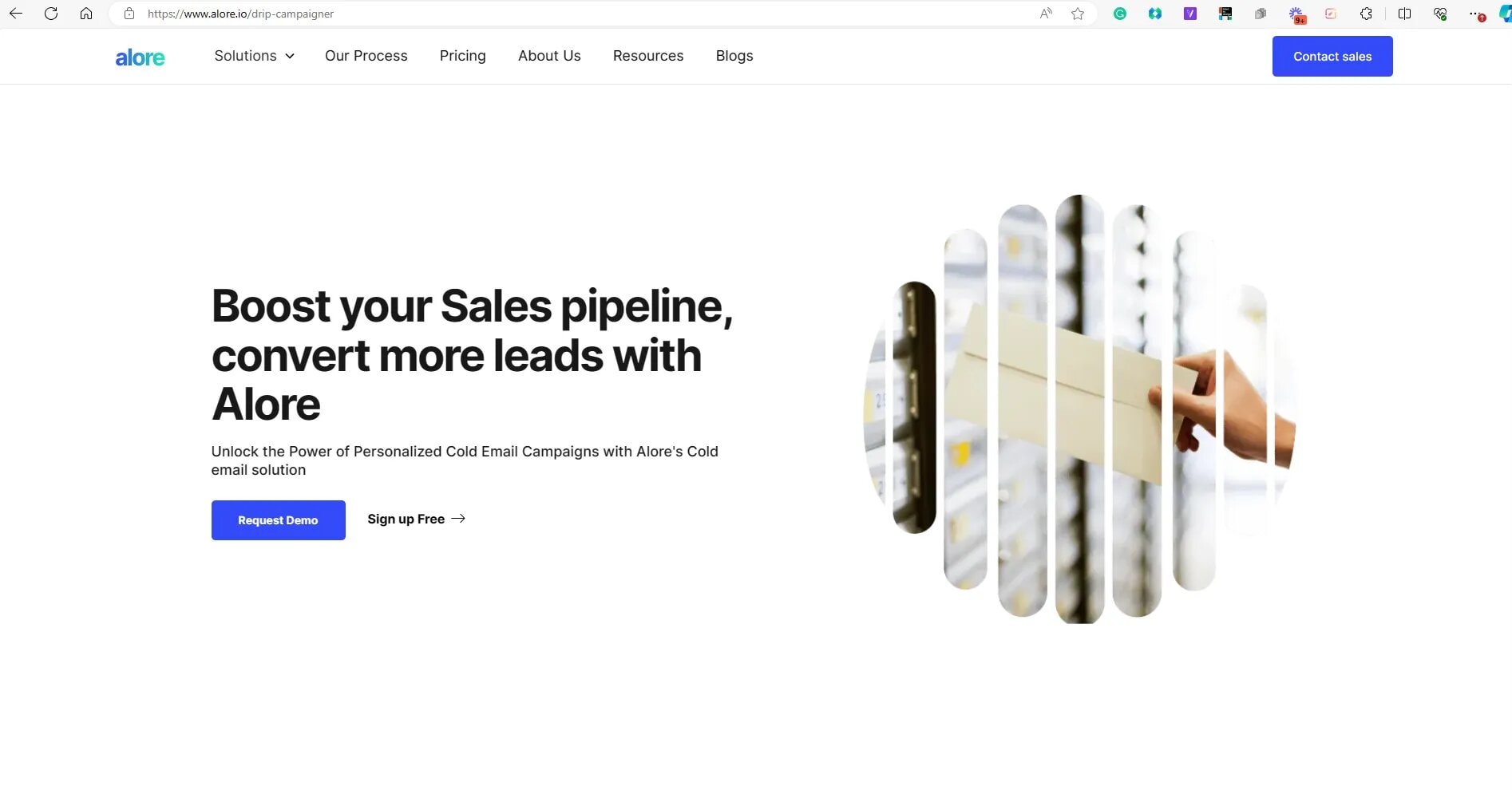
Teams often choose Alore because our email verification fits directly into outreach workflows. Our email checker works alongside email sending, list management, and verification processes.
Using our email verifier with outreach tools helps teams maintain control, consistency, and accuracy while working with email data at scale.
What Teams Usually Want in One Place:
- Verification: confirm addresses before any campaign goes live
- List hygiene: keep segments clean as lists grow and change
- Outreach flow: move from verified data to sending without extra exports
- Visibility: see what was verified, what was removed, and what was used
How Alore Fits That Workflow
With Alore, verification is not a separate step that sits outside your system. It works as part of how contacts are prepared, organized, and used in outreach, so the same logic carries through each stage.
Example
A team can import a prospect list, verify it inside the same workflow, remove risky entries, then launch outreach to the cleaned segment. That single chain reduces handoffs, keeps the list consistent, and makes results easier to trust.
Why This Matters for Scale
- Consistency: the same checks apply across every list
- Control: cleaner segmentation, cleaner sending, cleaner reporting
- Speed: fewer tools to switch between, fewer files to manage
This makes the next step straightforward, turning verification into a repeatable process, which is exactly what the step by step scale workflow covers next.
Steps to Verify Email Addresses at Scale Using an Online Verification Tool
Verifying email addresses at scale requires a structured approach and an online verification tool supports each step, from importing lists to exporting cleaned data.
The value of this process lies in how each step connects to the next.
1. Prepare and Export Your Email List
This step defines what data enters the verification process. A focused list reduces confusion later and makes results easier to interpret.
How to do it:
- Export only required fields such as email address, name, source, or segment
- Remove unused columns, internal notes, and duplicates
- Ensure each row contains one email address
Example:
If your CRM export includes phone numbers or comments, remove them so the tool processes only email-related data.
2. Upload the List to an Online Email Verification Tool
Uploading the list correctly ensures each email field is read as intended. Small setup issues here affect all later results.
How to do it:
- Upload the file in a supported format
- Confirm the email column is mapped correctly
- Review list size and column alignment before starting
Example:
If the email column is misread as a name field, verification results will be unreliable across the list.
3. Run Real Time Email Verification Checks
This step evaluates each address using multiple signals to determine usability and risk.
How to do it:
- Start the verification run
- Allow the tool to check format, domain signals, and mailbox behavior
- Wait for classification to complete before exporting
Example:
An address may pass format checks but return a catch all signal, placing it in a higher risk category.
4. Review Verification Status and Results
Results guide decisions, not just cleanup. Categories matter more than totals.
How to do it:
- Review labels such as valid, risky, unknown, or invalid
- Look at confidence scores if available
- Avoid treating all non-valid results the same
Example:
Risky addresses may still be usable for low-volume testing but unsuitable for large sends.
5. Remove Invalid, Risky, and Disposable Email Addresses
This step turns analysis into action and defines list safety.
How to do it:
- Remove invalid and disposable addresses first
- Isolate risky entries for separate handling
- Keep only addresses aligned with campaign tolerance
Example:
Disposable addresses should be removed immediately, while risky ones can be tested cautiously.
6. Segment Verified Email Addresses for Campaign Use
Segmentation ensures the right messages go to the right level of list quality.
How to do it:
- Group addresses by verification status
- Segment by source or intent where relevant
- Assign priority levels before sending
Example:
High-value campaigns should go only to fully verified segments.
7. Re-Import the Cleaned List Into Your Email Platform
Re-importing correctly preserves context and prevents future confusion.
How to do it:
- Add verification status labels
- Include verification date or batch name
- Preserve original segmentation where possible
Example:
A “verified on” tag helps teams know when re-verification is needed.
8. Monitor Results and Re-Verify Over Time
Email data changes as people change roles, inboxes, and providers.
How to do it:
- Track bounce patterns after sending
- Verify new additions before use
- Re-check full lists on a regular schedule
Example:
Weekly lead intake may require weekly checks, while stable lists can be reviewed monthly.
With this process in place, the next step is understanding timing, specifically when email addresses should be verified again to keep lists reliable over time.
When You Should Verify Email Addresses Again?
Email addresses can be valid at one time and become risky later. Your email list changes as contacts update inboxes, abandon domains, or shift providers.
Knowing when email addresses in your list can be rechecked helps maintain accuracy and ensures your email list continues to support reliable sending over time.
Key Moments to Re-Verify
Re-verification works best when it follows how your list is used, not a random calendar reminder.
Before a major campaign:
- Verify the full sending segment, not just new contacts
- Recheck older leads that have not been emailed recently, and consider the best cold email format for internship success as a reference for outreach strategies
After list growth or imports: consider utilizing email deliverability tools to ensure your messages reach inboxes effectively.
- Verify every new batch before it enters your active list
- Tag verified records with a date for tracking
When performance signals shift:
- Re-verify if bounce patterns rise over multiple sends
- Recheck segments that show sudden deliverability drops
Example
A team running weekly outreach can verify new leads before each send, then re-verify the full active segment once a month. This keeps quality steady without slowing execution.
A Simple Timing Rule That Works for Most Teams
- High-churn lists: verify new entries weekly, re-verify core segments monthly
- Stable lists: verify new entries before use, re-verify the full list quarterly
Once timing is set, the next section shows how email verification improves long term deliverability by protecting inbox placement and sender trust.
How Email Verification Improves Long Term Email Deliverability?
Email verification improves email deliverability by reducing bounce rates and protecting your sender reputation. When fewer invalid addresses enter campaigns, mailbox providers trust your sending patterns more.
This consistency supports better placement, stable performance, and long term reliability for email programs that depend on clean data.
What Email Providers Read First
Mailbox providers evaluate signals that show whether sending behavior is careful and consistent.
- Bounce patterns: repeated failures suggest poor list quality
- Engagement signals: clean lists improve who actually sees and opens emails
- Complaint rates: verified lists reduce accidental spam reports
- Consistency: steady sending to valid contacts builds long term trust
Why Verification Changes Inbox Placement
Email verification removes addresses that would fail delivery, so your sends reach real inboxes more often. That shift reduces negative signals and improves the quality of the audience receiving your emails. Over time, that is what keeps deliverability stable, not a single campaign tweak.
Example
If you verify a list before a product launch, you reduce failed sends and protect reputation signals. Even a small improvement in list quality can change how mailbox providers treat future campaigns.
How to Apply This Without Overcomplicating It
- Verify new leads before they enter your active list
- Re-verify older segments before large sends
- Use our free email verification step when you need a quick quality check
Email verification works because it keeps sending grounded in reality. Each verified address reduces uncertainty, protects trust signals, and supports consistent inbox placement.
Over time, this discipline shapes how campaigns perform and how domains are perceived. Reliable deliverability is rarely about one tactic, it is built through repeated, careful attention to data quality.
FAQs
1. Can I Verify Email Addresses Collected From Offline or Manual Sources?
Yes. Email addresses collected from events, forms, or manual entry can be verified the same way as online data. Verification checks the structure, domain, and reachability of the address, regardless of how it was collected. This helps confirm whether the data is usable before it enters active campaigns.
2. What Makes an Accurate Email Different From a Valid Email Address?
A valid email address passes technical checks, while an accurate email reflects real-world usability. Accuracy considers whether the mailbox is active and likely to receive messages, not just whether the format and domain exist.
This difference matters when deciding how confidently an address can be used.
3. How Often Should Your Email Lists Be Cleaned in High-Growth Campaigns?
High-growth campaigns benefit from frequent cleaning. New additions should be verified before use, and active lists should be rechecked monthly. This cadence keeps list quality aligned with rapid growth and reduces silent decay that builds as volume increases.
4. Is It Safe to Check a Free Email Address Without Harming Deliverability?
Yes, checking a free email address is safe when done through a proper verification process. The check does not send messages or trigger inbox activity. It only evaluates signals related to the structure and status of an email address without affecting deliverability.
5. How Our Email Checker Handles Privacy and Data Security During Verification?
Our email checker processes only the information required to verify an address and does not store or reuse data beyond verification. Inputs are handled securely, checks are automated, and results are returned without exposing data to external use, ensuring privacy for lists that you upload.
Conclusion
Email verification works best when it becomes part of how campaigns are planned, not a last-minute fix. The tools covered here show how brands protect trust by paying attention to list quality before sending begins.
The next step is simple and practical. Pick a tool that aligns with how you send today, apply it consistently, and let clean data do the quiet work of keeping your email campaigns safe, stable, and reliable over time.