.png)

.svg)
.svg)
.svg)
Your open rates look decent, your list is growing, and yet revenue barely moves. That gap usually isn’t about effort, it’s about the email marketing tools running behind the scenes.
Top brands do not just send campaigns. They build systems that trigger behavior, segment buyers in real time, and protect deliverability like a revenue asset.
The difference shows up in automation depth, data accuracy, and how fast a team can test and adapt. Once you see what they use and why, your current setup will feel very different.
What Problems Businesses Face When Using The Wrong Marketing Tools
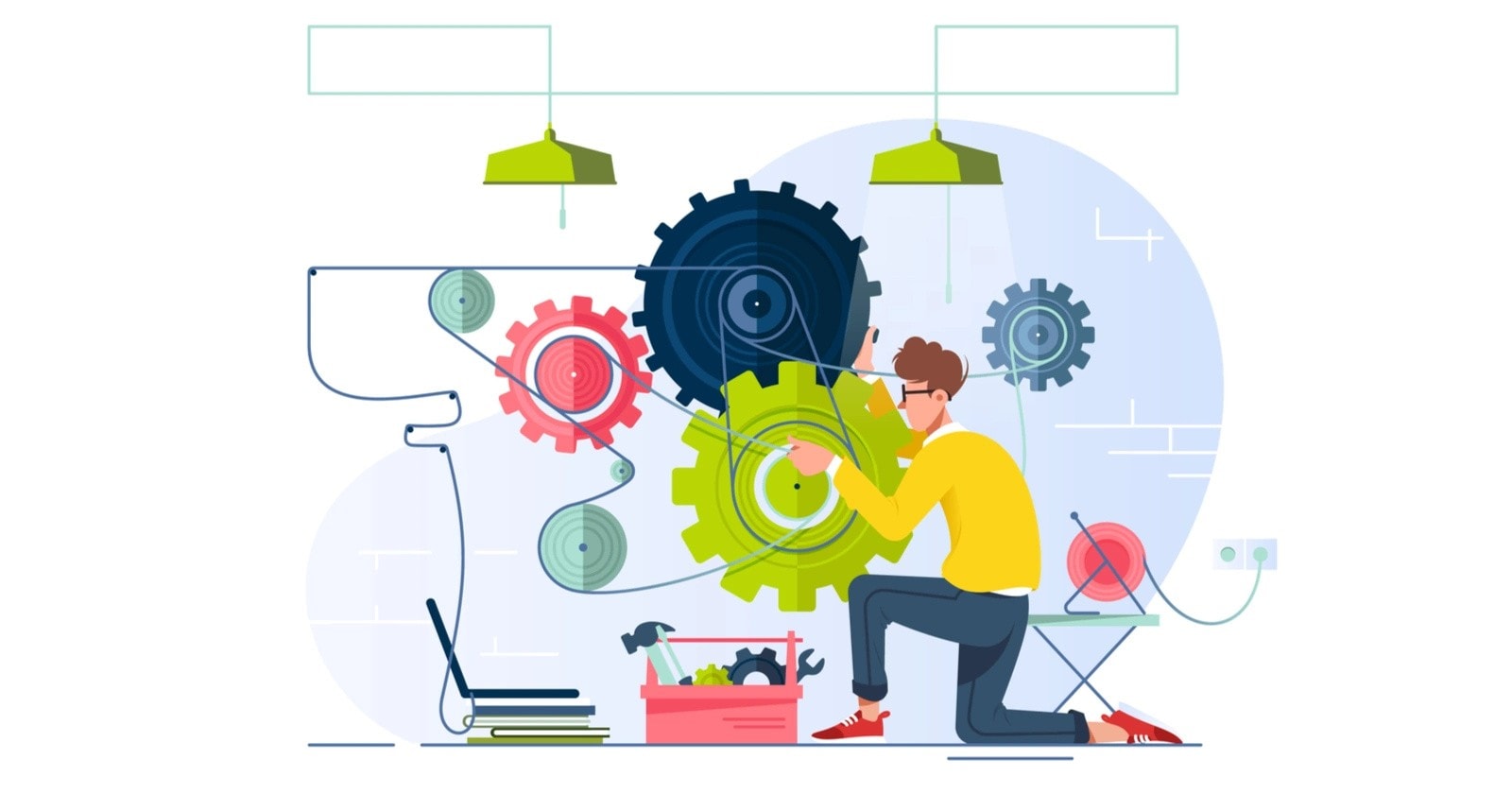
Wrong marketing tools do more than slow marketing down. They quietly shape how teams think, measure success, and respond to customers.
At first, everything appears functional. Emails send on time, dashboards fill up, and activity feels steady. Over time, results flatten because the system underneath cannot support how real customers move, decide, or convert.
Below is a deeper look at the problems that surface, why they happen, and how they affect outcomes.
1. Misleading Performance Signals
Most tools surface activity, not intent. Teams begin trusting numbers that look healthy but do not connect to revenue or qualified action.
What usually happens:
- Opens and clicks rise, but replies and conversions do not.
- Reports show growth, but sales pipelines stay unchanged.
- Campaign success is judged by volume, not movement.
Example
A campaign shows a 30 percent open rate, yet no demo bookings follow. The tool tracks attention, but not readiness.
The issue is not effort or content. It is that the tool cannot separate curiosity from buying intent.
2. Broken Customer Flow Between Actions
Customers rarely take one action and stop. They move in steps. Download, read, compare, wait, then decide. Wrong tools treat each action as isolated.
This creates gaps such as:
- Sign-ups without timely follow-ups.
- Downloads without context-aware messaging.
- Purchases without post-action guidance.
Example
A user downloads a pricing guide and receives a general newsletter days later. The moment of interest passes without direction.
When tools cannot connect actions into a sequence, interest fades before it matures.
3. Shallow Segmentation That Reduces Relevance
Many tools allow segmentation, but only at a surface level. Lists exist, but logic does not adapt.
Common patterns:
- New subscribers and loyal customers receive the same emails.
- Interest-based behavior is ignored.
- Past actions do not influence future messages.
Example
A returning customer keeps receiving beginner emails, while a first-time lead gets advanced offers.
This weakens trust because messages feel unaware of context.
4. Automation Without Decision Logic
Automation often exists in name, not in depth. Emails trigger, but decision paths stop too early.
What this leads to:
- Emails continue after goals are met.
- Reminders go out without checking status changes.
- Timing stays fixed, even when behavior shifts.
Example
A follow-up sequence continues after a purchase because the tool cannot pause or reroute based on real-time updates.
Automation without logic feels mechanical, not supportive.
5. Disconnected Tools And Fragmented Data
Marketing rarely runs on one system alone. When tools do not integrate well, teams operate with partial information.
This shows up as:
- CRM data not reflected in email campaigns.
- Sales updates failing to adjust messaging.
- Manual exports becoming routine.
Example
A lead moves to a qualified stage in the CRM, but email messaging stays generic.
Fragmented data delays response and weakens personalization.
6. Rising Costs Without Better Control
Tools that feel affordable early often become restrictive later. Growth exposes limits.
Typical cost pressures include:
- Paying extra for automation features.
- Upgrading plans to unlock segmentation.
- Adding tools to cover gaps instead of fixing the core issue.
Example
A team starts with a low-cost plan, then pays more for add-ons that still do not solve workflow gaps.
Cost rises, but clarity does not.
How These Problems Affect Teams Internally
These issues do not stay technical. They affect confidence and decision-making.
Clear signs include:
- Teams relying on instinct over data.
- Repeating campaigns because results feel unclear.
- Accepting silence as normal rather than fixable.
When tools limit understanding, teams stop experimenting and start playing safe.
The common thread across all these problems is simple. The tool was chosen for features, not for how customers actually move through decisions. Recognizing this gap sets the stage for understanding which tools support scale, and which ones quietly hold it back.
The next section looks at the email marketing tools modern businesses use to build that flow correctly.
10 Best Email Marketing Tools Top Businesses Use To Scale Campaigns
Email marketing tools create results only when they match how a business communicates and grows. The tools below are chosen because they support structure, timing, and conversion at different stages.
1. Alore.io
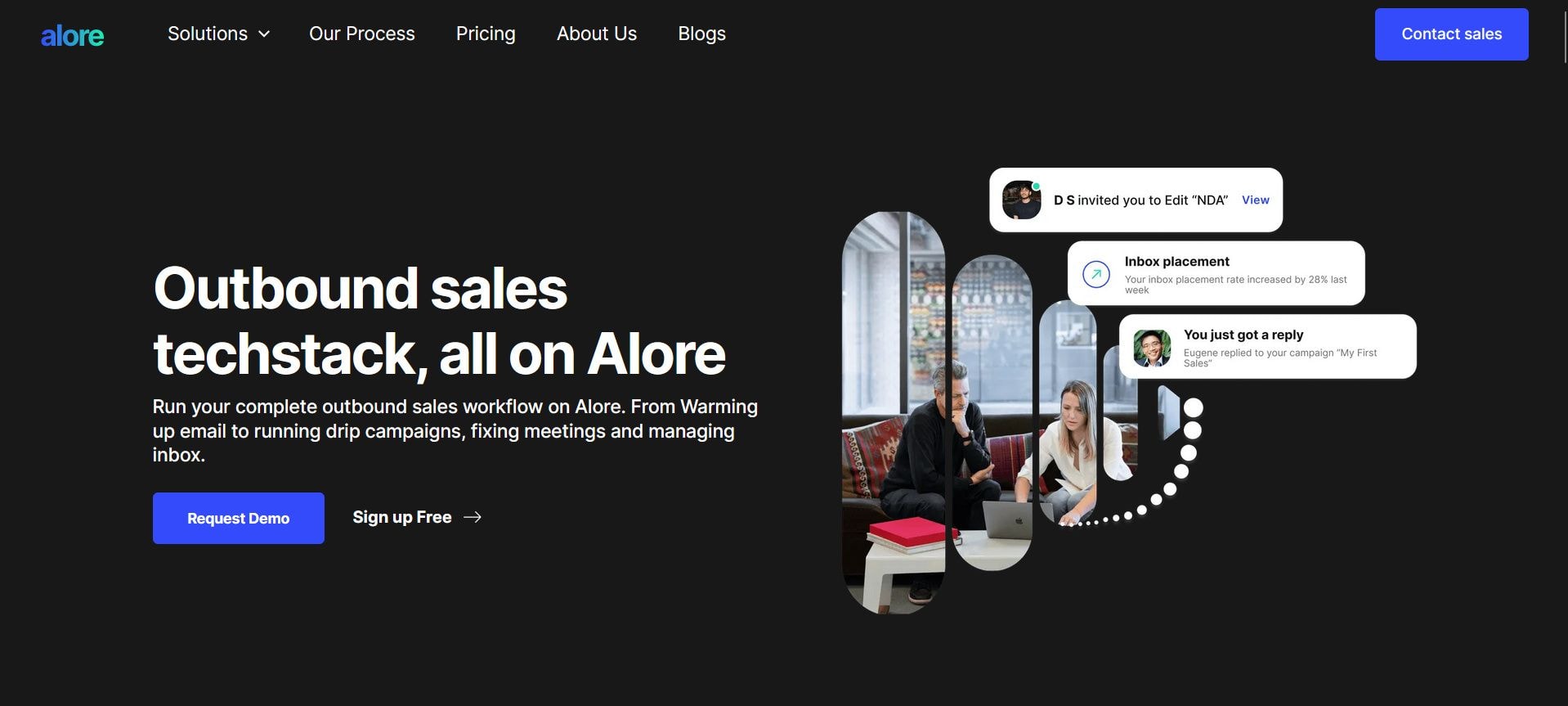
Built for outbound and sales-led email workflows where follow-up precision matters, Alore focuses on turning cold outreach into structured conversations that progress logically.
Features
- B2B email automation
- Lead sequencing and follow-ups
- Campaign-level control
Best for
- Sales-driven teams
- B2B lead generation
Where it falls short
- Not designed for newsletters
- Limited ecommerce use cases
Website: Alore.io
2. Sequenzy
Sequenzy is built for SaaS teams that want marketing and transactional email in one place without paying per contact. It uses a pay-per-email model on AWS SES infrastructure, keeping costs low while handling both campaign sequences and system-triggered messages. MCP (Model Context Protocol) support lets founders manage campaigns through AI assistants like Claude.
Features
- Pay-per-email pricing, unlimited contacts
- Combined marketing and transactional email
- AI-assisted campaign creation
- MCP server support for AI assistant integration
- Event-based automation via REST API
Best for
- SaaS founders and indie developers
- Bootstrapped teams consolidating their email stack
Where it falls short
- No SMS or multi-channel messaging
- Newer platform, smaller integration library
Website: Sequenzy
3. Mailchimp

Mailchimp prioritizes ease of use and quick campaign launches, making it a familiar choice for teams that want to start sending emails without complex setup.
Features
- Drag-and-drop email builder
- Basic automation and templates
- Campaign reporting
Best for
- Small businesses
- Beginners starting email marketing
Where it falls short
- Limited automation depth
- Costs rise with list growth
Website: Mailchimp
4. HubSpot
HubSpot connects email marketing directly with CRM and sales data, treating email as part of a larger customer journey rather than a standalone channel.
Features
- CRM-integrated email campaigns
- Advanced automation workflows
- Multi-channel marketing tools
Best for
- B2B businesses
- Long sales cycles
Where it falls short
- Higher pricing at scale
- Requires onboarding time
Website: HubSpot
5. ActiveCampaign
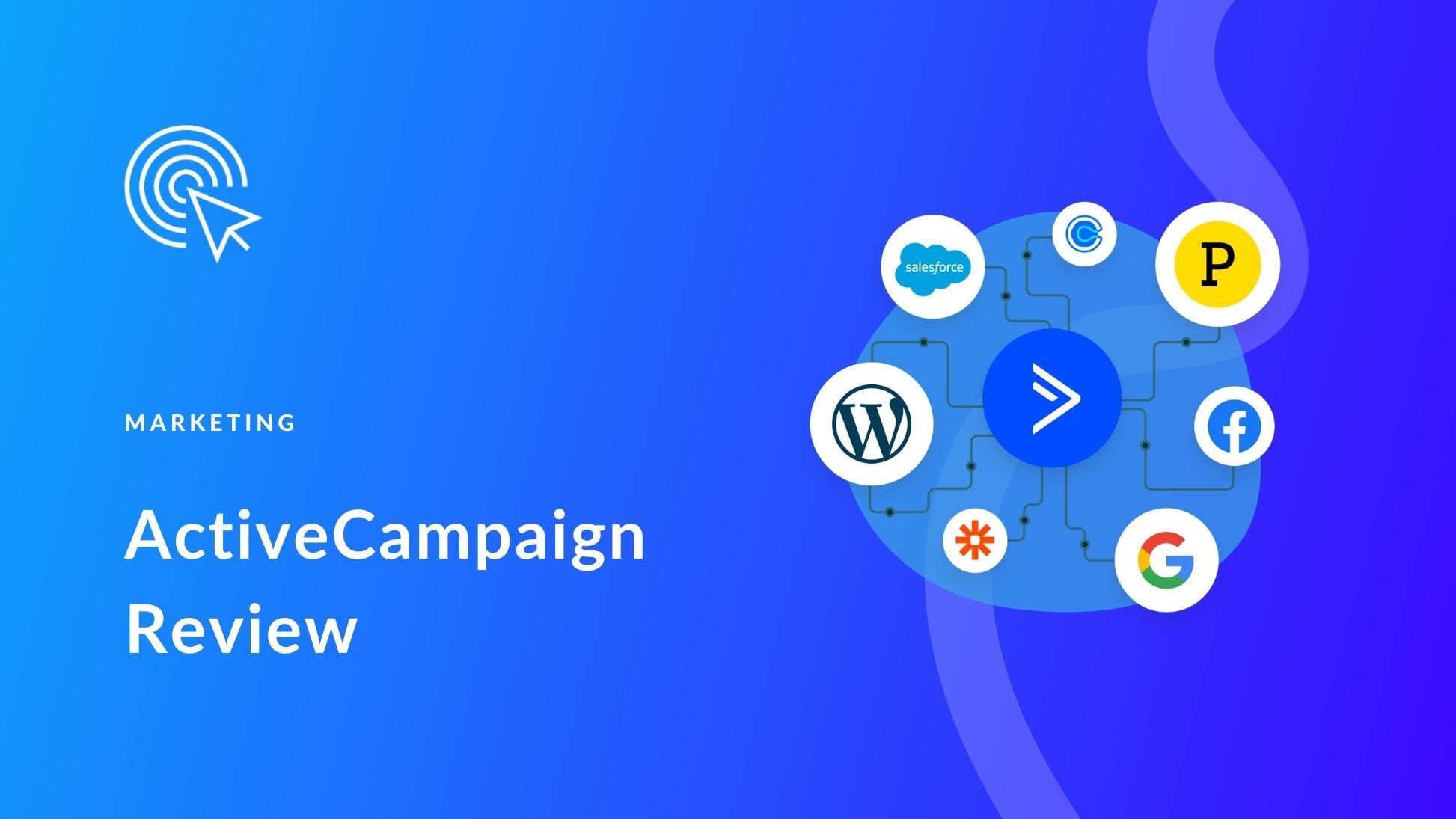
ActiveCampaign is known for its deep automation logic and behavior-based workflows, giving teams detailed control over how users move between stages.
Features
- Advanced automation builder
- Segmentation and tagging
- Lifecycle email flows
Best for
- Growing businesses
- Automation-heavy strategies
Where it falls short
- Steeper learning curve
- Setup needs planning
Website: ActiveCampaign
6. Brevo
Brevo combines email, SMS, and automation in one platform, balancing flexible pricing with the core tools most businesses need to run campaigns.
Features
- Email and SMS campaigns
- Automation workflows
- Transactional messaging
Best for
- Small to mid-sized businesses
- Budget-conscious teams
Where it falls short
- Moderate template flexibility
- Limited reporting depth
Website: Brevo
7. ConvertKit
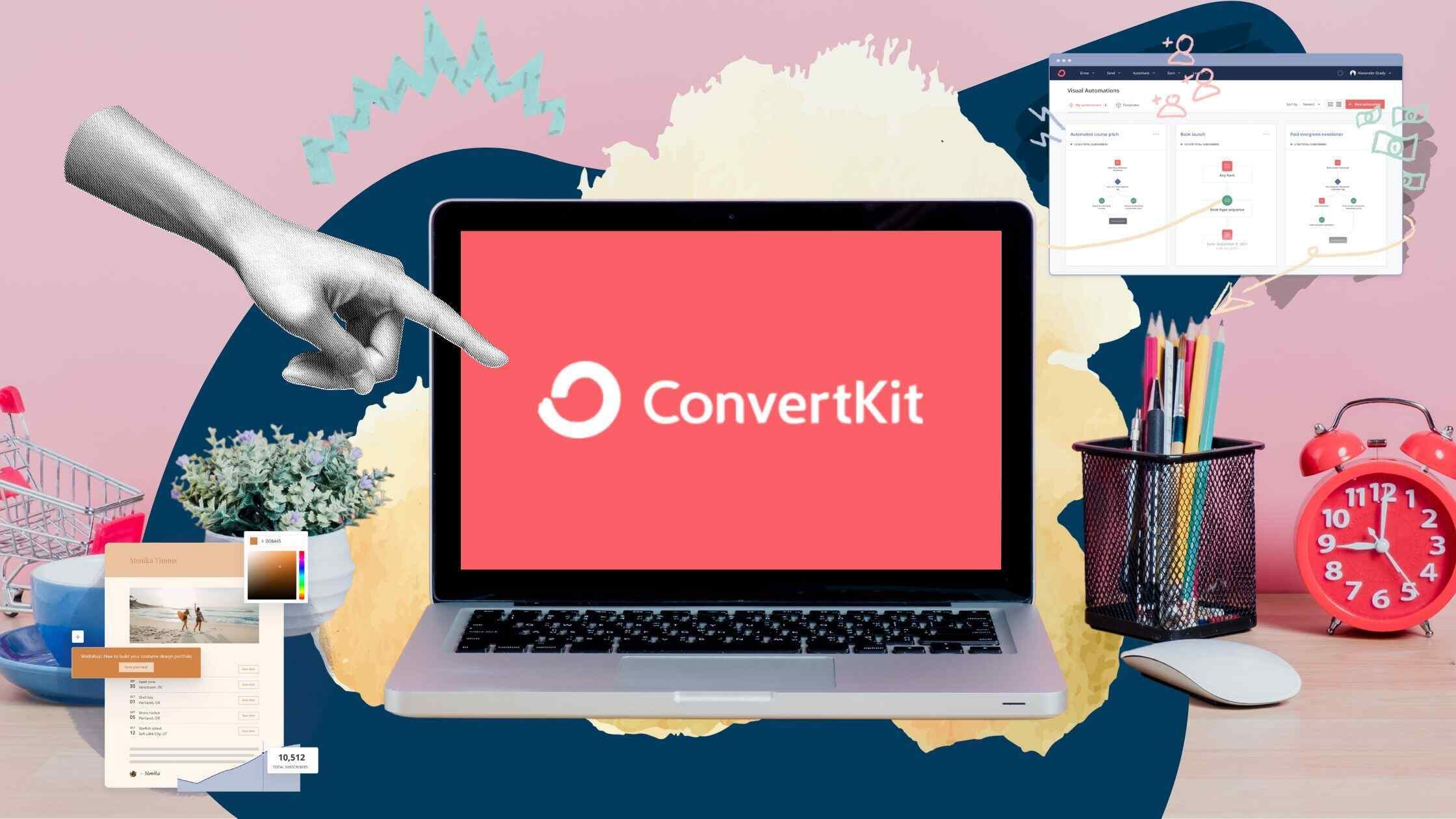
ConvertKit is built around audience relationships instead of complex funnels, keeping email workflows simple for content-driven businesses.
Features – Explore the 10 key advantages of email for effective communication to enhance your messaging skills.
- Tag-based subscriber system
- Simple automation flows
- Creator-focused interface
Best for
- Creators and bloggers
- Educators and writers
Where it falls short
- Limited sales automation
- Basic ecommerce support
Website: ConvertKit
8. MailerLite

MailerLite offers a clean interface with essential tools for steady growth, focusing on clarity and ease rather than feature overload.
Features
- Visual email editor
- Automation builder
- Landing pages and forms
Best for
- Startups and small teams
- Newsletter-driven growth
Where it falls short
- Basic automation logic
- Limited advanced segmentation
Website: MailerLite
9. GetResponse
GetResponse positions itself as an all-in-one marketing platform, blending email, funnels, and webinars into a single workflow.
Features
- Email marketing and automation
- Landing pages and funnels
- Webinar tools
Best for
- Lead funnel campaigns
- Webinar-based marketing
Where it falls short
- Interface can feel crowded
- Feature overlap in places
Website: GetResponse
10. Moosend
Moosend focuses on affordable automation with strong ecommerce support, covering essential workflows without unnecessary complexity.
Features
- Ecommerce automation
- Behavioral triggers
- Campaign analytics
Best for
- Online stores
- Product-based businesses
Where it falls short
- Smaller integration ecosystem
- Limited advanced analytics
Website: Moosend
Email Marketing Tools: A Quick Comparison Guide
How To Use This Table
Instead of reading every feature, ask three fast questions:
- Is your business sales-led or content-led?
- Do you need deep automation or just campaigns?
- Will your list grow beyond 10,000 contacts soon?
If automation and CRM alignment matter, HubSpot or ActiveCampaign make sense.
If simplicity and cost control matter, MailerLite or Brevo work better.
If outbound precision matters, Alore.io fits that use case.
Each of these tools supports scale in a different way, depending on how campaigns are planned and managed. Understanding their strengths makes comparison easier, but selection still depends on how well a tool fits your goals, data flow, and growth path.
That choice becomes clearer when you break the decision down step by step, which is exactly what the next section focuses on.
Steps To Choose The Best Email Marketing Tool For Your Business
Tool choice determines how clearly your business responds to customer behavior. The right system strengthens timing, segmentation, and revenue visibility from day one.
Let’s examine the criteria that separate scalable platforms from feature clutter.
1. Anchor The Decision To One Revenue Objective
Tools perform best when tied to a measurable outcome. Clear direction prevents overpaying for features that add little value.
Define one primary goal:
- Convert new subscribers into first buyers
- Move leads toward booked demos
- Increase repeat purchase frequency
- Support structured B2B outreach
A D2C brand requires reorder triggers and product flows. A B2B agency requires lifecycle nurturing and pipeline visibility.
When the revenue objective is fixed, feature evaluation becomes precise.
2. Translate The Customer Journey Into Automation Needs
Email works when it mirrors real decision movement. Mapping behavior prevents shallow automation.
Outline critical touchpoints:
- Entry action, sign-up, first engagement
- Intent signals, pricing views, demo requests
- Drop-offs and inactivity windows
- Post-purchase or renewal milestones
If engagement drops after onboarding, structured follow-up sequences become essential.
3. Match Automation Depth To Operational Complexity
Automation level should reflect buying cycles, not ambition. Overbuilt systems create confusion, underbuilt systems limit growth.
Choose based on structure:
- Campaign-driven communication with light automation
- Multi-step behavior paths with conditional logic
- CRM-synced lifecycle automation tied to sales stages
When pipeline stages shift frequently, CRM-aligned tools protect message accuracy.
Automation depth should support decisions, not overwhelm them.
4. Confirm Data Synchronization Across Systems
Precision depends on data consistency. Strong integration ensures messaging reflects real-time customer status.
Verify live data exchange between:
- CRM and contact lifecycle stages
- Ecommerce platform and purchase events
- Website behavior tracking and tagging
- Support systems and customer updates
Accurate synchronization keeps post-purchase messaging relevant and prevents redundant outreach.
5. Evaluate Pricing Against Future Scale
Cost efficiency appears over time, not at entry level. Growth often exposes automation and segmentation paywalls.
Review long-term variables:
- Projected list expansion
- Automation and workflow access tiers
- User seats and sending limits
- Add-on fees for integrations or analytics
A platform affordable at 2,000 contacts may require tier upgrades once advanced automation is activated.
Forecasting scale protects both budget and continuity.
6. Assess Deliverability, Support, And Migration Strength
Performance stability defines long-term reliability. Strong onboarding reduces friction during transition.
Examine operational signals:
- Domain authentication tools and sender controls
- Documentation clarity and setup resources
- Support responsiveness and escalation paths
- Structured migration assistance
Efficient onboarding accelerates campaign launch and preserves list integrity.
Clear criteria replace comparison fatigue with disciplined evaluation. Structured selection ensures the platform adapts as customer movement becomes more complex.
From here, attention shifts to automation design, where structure determines whether even the best tools perform at their full capacity.
Why Even The Best Email Marketing Tools Fail Without The Right Marketing Automation Setup
Automation quality determines whether email drives revenue or creates noise. Even the best email marketing tools simply execute the logic you build into them.
When logic is shallow, timing slips and relevance fades. Automation performs only when it reflects real decision movement. It must respond to intent, pause after conversion, and reroute when behavior changes.
Let’s examine where automation breaks down.
1. Triggers That Do Not Reflect Intent
Automation often begins from surface activity rather than buying signals. That mismatch creates sequences that feel disconnected from reality.
Common trigger gaps:
- Page visits without engagement context
- Generic sign-ups without segmentation
- Static tags that never update
Example
A user views pricing once and enters a heavy sales sequence. The action shows curiosity, not commitment.
Intent depth must determine sequence strength.
2. Timing That Ignores Decision Cycles
Email timing should align with attention span and urgency. Fixed schedules ignore behavioral nuance. Learn more about the 24 Hour Email Rule.
Timing errors include:
- Follow-ups sent too close together
- Reminders delayed beyond relevance
- No distinction between warm and cold leads
Example
A cart reminder sent after 72 hours often misses urgency. Three reminders in one day feel intrusive.
Effective timing adapts to behavior, not calendar presets.
3. Missing Exit And Goal Rules
Automation must recognize completion. Without exit logic, systems continue pushing after the objective is met.
Where this breaks:
- Promotions continue after purchase
- Nurture flows persist after demo booking
- Sales emails ignore active support cases
Example
A customer upgrades and receives discount offers for the same plan the next day.
Exit rules protect both relevance and brand trust.
4. Linear Journeys Instead Of Segmented Paths
Customer behavior branches. Automation should branch with it. When segmentation is shallow, every user receives the same sequence.
Routing weaknesses:
- New users receive advanced offers
- Loyal customers receive beginner education
- High-intent leads receive generic content
Example
A repeat buyer receives a welcome series meant for first-time subscribers.
Segmentation depth determines perceived awareness.
5. Inconsistent Data And Broken Integrations
Automation depends on clean, real-time inputs. When systems fail to sync, message accuracy declines.
Data breakdown points:
- CRM stages not updated inside email platform
- Purchase events delayed or missing
- Tags added once and never refreshed
Example
A lead moves to a qualified stage in CRM. Email messaging remains generic because the lifecycle field never updates.
Data integrity sustains automation credibility.
How To Detect Automation Breakdown Early
Weak automation reveals itself in both metrics and responses.
Performance signals:
- Rising unsubscribe rates from sequences
- Lower clicks in automated flows than broadcasts
- Sudden deliverability drops tied to automation sends
Customer signals:
- Replies requesting email reduction
- Complaints about irrelevant messaging
- Support confusion linked to campaigns
Metrics show the symptoms. Customer response confirms the cause.
Automation determines whether your platform feels intelligent or mechanical. Once logic aligns with behavior, the same tools produce entirely different results.
With breakdown patterns clear, the next step is structuring early workflows that create clarity without unnecessary complexity.
Steps To Use Email Marketing Tools Effectively In The Early Stages Of Your Business
Early-stage email works best when it is simple, consistent, and tied to clear intent. The goal is to build a system that earns trust, captures signals, and turns attention into predictable action. These six steps keep the setup lean while still making the tool do real work.
1. Define Your Email Marketing Goal Before Choosing Any Tool
A goal is useful only when it can guide what you send and what you measure. One goal is enough to start, as long as it matches the business stage.
Goal Types That Work Early
- Get first purchases from new subscribers
- Book calls or demos from leads
- Increase repeat purchases from customers
- Reactivate inactive subscribers
Example
A new ecommerce store can focus on first purchase conversion. A service business can focus on booked calls.
2. Set Up Your Email List With Proper Opt-In And Segmentation
List quality matters more than list size. Proper opt-in keeps engagement clean, and early segmentation helps relevance without complexity.
Opt-In Essentials
- Clear sign-up promise, one sentence
- Double opt-in if list quality is a priority
- One primary sign-up source to start
Simple Segments To Create First
- New subscribers
- Customers
- Engaged readers, clicked or replied
- Inactive users, no opens for a set period
Example
A subscriber who clicks pricing should not receive the same emails as a subscriber who only reads blog updates.
3. Configure Basic Marketing Automation From Day One
Automation should cover the moments that happen repeatedly. Start with a few flows that reduce manual work and build momentum.
Core Automations To Set First
- Welcome series, 2 to 4 emails
- Post-purchase series, 2 to 3 emails
- Re-engagement series, 2 emails
Basic Rules That Keep It Clean
- Add exit rules, stop when goal is met
- Use delays that respect attention
- Keep one primary call to action per email
Example
If a customer purchases after email two, the remaining welcome emails should stop.
4. Create One Core Campaign Instead Of Multiple Drafts
A single campaign creates learning. Multiple drafts create noise. Early-stage teams benefit more from one clear campaign run repeatedly with small improvements.
What A Core Campaign Looks Like
- One audience segment
- One offer or intent
- One clear call to action
- One measurable outcome
Example
A weekly “one problem, one solution” email can outperform four scattered promotional sends.
5. Set Up Tracking And Deliverability Checks Early
Tracking should answer one question, did the email cause the action you want. Deliverability checks protect results by keeping emails out of spam and promotions traps.
Tracking Signals That Matter Early
- Click rate to key pages
- Replies and demo bookings
- Purchases or sign-ups attributed to email
Deliverability Checks To Run
- Verify domain and authentication settings
- Keep list hygiene, remove hard bounces
- Watch sudden drops in opens and clicks
Example
If opens drop sharply overnight, check list source and authentication before changing subject lines.
6. Test, Adjust, And Scale Only After Consistent Results
Scaling works when one workflow performs reliably. Early wins come from steady iteration, not constant reinvention.
What To Test First
- One subject line variation
- One call to action placement
- One audience segment split
What To Scale After It Works
- Add one new automation flow
- Expand segmentation by intent
- Increase send frequency slowly
Example
If a welcome series converts consistently, add a re-engagement flow next, not five new campaigns.
Early-stage success comes from a small set of workflows that run cleanly and improve with each cycle.
FAQs
1. What Is The Ideal Time To Switch Email Marketing Tools Without Losing Data?
The ideal time is when campaigns are stable and not mid-flow. Switching works best between campaign cycles, after exporting lists, tags, and automation logic, and before new sequences go live.
2. How Secure Is Subscriber Data When Using Third-Party Marketing Platforms Of The Business?
Security depends on encryption standards, access controls, and compliance certifications. Reputable platforms use encrypted storage, role-based access, and regular audits to protect subscriber data.
3. Which Email Regulations Affect The Use Of Email Marketing Tools Globally?
Most platforms must support regulations like GDPR, CAN-SPAM, and CASL. These laws govern consent, unsubscribe rights, data access, and communication transparency.
4. How Often Do Email Marketing Platforms Update Features And Policies?
Major platforms update features several times a year and adjust policies as regulations or deliverability standards change. Minor updates and fixes happen more frequently.
5. What Are The Long-Term Risks Of The Wrong Tool Choice For Business Growth?
The main risks include limited automation, rising costs, data silos, and slower response to customer behavior. Over time, these constraints reduce scalability and decision clarity.
Conclusion
Email results change when tools are chosen with intent and used with structure. The difference is not volume or frequency, it is how clearly each message fits into a larger system.
From here, the focus shifts to applying what fits your goals, setting up clean workflows, and letting consistency do the work that noise never will.